Everyone Can Experience the Latest Galaxy AI and One UI on the Try Galaxy App
October 1, 2025
Samsung’s updated Try Galaxy app is now available for all Android and iOS users worldwide[1]. Whether curious about the newest Galaxy features or considering a switch, Try Galaxy lets people experience Samsung’s latest innovations on their current device.
Curious? The Galaxy experience is just a tap away…
What is Try Galaxy?
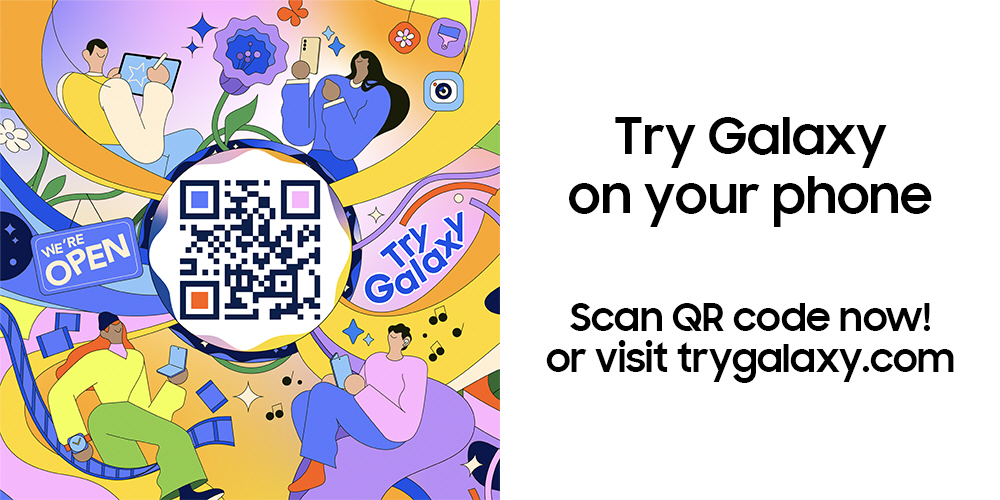
Try Galaxy is a free, web-based application that simulates the Samsung Galaxy experience on non-Galaxy devices[2]. It allows users to explore the look and feel of Samsung’s One UI and test-drive signature Galaxy AI features – no downloads from an app store required. Simply visit trygalaxy.com on your mobile browser[3] or scan the QR code to get started.
Using an intuitive, interactive interface, users can preview key features of the latest Galaxy devices, including the Galaxy S25 Series, Galaxy Z Fold7, and Z Flip7, as well as the Galaxy wearable ecosystem (Watch8 Series, Buds3, and Galaxy Ring). Tutorials and pop-up guides help people discover everything from Smart Switch to Galaxy Themes, Health, and more.
What’s New: Explore Galaxy AI and the latest One UI 8
The 2025 update brings an even more immersive Try Galaxy experience[4]
- One UI 8 Preview: Explore the latest design and usability upgrades, including a new Galaxy Foldable Hero Wallpaper and enhanced navigation.
- Smarter AI Features: Try out the new Galaxy AI suite, including Photo Assist, Audio Eraser, Now Brief, Instant Slow-mo, Gemini Live, and Circle to Search, optimised for both Galaxy S25 Series and the latest foldable Z Series devices.
- 3D Device Interactions[5]: Get hands-on with 3D demos of the Galaxy Z Fold7 and Z Flip7, complete with colour and design customisation.
- Galaxy Wearable Ecosystem: Interact with the newest Galaxy Watch8, Watch Ultra, Buds3, and Galaxy Ring experiences.
- Special Offers: Eligible users can unlock exclusive promotions or trade-in deals after exploring Try Galaxy, making it easier than ever to upgrade.
How to Download and Explore Try Galaxy
Getting started is simple:
- On your phone, open your browser (Samsung Internet, Chrome, or Safari on iPhone 8 and above).
- Visit trygalaxy.com or scan the official QR code with your phone’s camera.
- Tap “Try now!” and follow the guided setup. On iPhone, you can add Try Galaxy to your Home Screen for a more app-like experience. On Android, use “Add to Home Screen” or “Install app” from your browser menu.
- Enjoy exploring! Navigate through the latest Galaxy interface, try AI features, and discover device tutorials, no account or installation required.
Ready to see what’s new?
Head to trygalaxy.com and discover the latest Samsung Galaxy innovations, wherever you are, on any device.
[1]The Try Galaxy app is a simulation of Samsung’s One UI. This app is intended solely to simulate the One UI experience. Actual UX/UI on Samsung devices may differ. Availability of Try Galaxy features may vary by country/region.
[2]“Try Galaxy” is a simulation of Samsung’s One UI. Actual UX/UI on Samsung devices may differ. You are not accessing actual apps or your device’s functions or hardware when running this app.
[3]The Try Galaxy app is available on supported Android OS smartphones with the latest version of Samsung Internet or Chrome browser. This app also operates in Safari with the latest iOS, on iPhone 8 and above.
[4]Samsung account login may be required for certain Galaxy AI features.
[5]‘Galaxy Z Fold7 3D interactive experience’ is a simulated experience included in the Try Galaxy app. Colour availability may vary depending on country or carrier.


