Your Privacy, Secured: How Galaxy AI Empowers You to Take Control of Your Data
September 16, 2025
Advancing transparency and choice with Galaxy AI
Technology is evolving at high speed, becoming more intelligent by the second. These rapid advancements have brought Galaxy AI to life, unlocking new levels of productivity, creativity and communication. But as mobile AI grows more capable, it also raises new concerns about privacy and control.
Samsung is addressing both in two key ways: by designing Galaxy AI experiences with built-in security features that protect user data from the ground up, and by applying AI to strengthen mobile security and privacy protections. While both approaches are essential, building AI that handles data responsibly remains the most urgent priority.
Transparency and choice are the principles driving this work. That’s where Galaxy’s intuitive, easy-to-use privacy settings come in, helping you understand what data is used in AI processing, how it’s handled, and how you can control it. These protections empower you to make your own rules for your mobile experience — and to stay safe while you do.
Advanced Settings for Advanced AI
This freedom of choice comes into play for Galaxy AI experiences. With AI increasingly becoming a part of what we do, it’s only natural to want more control over how your personal data is used in relation to it. Enter Galaxy AI privacy features: a set of policies and protections that go above and beyond to make sure you’re informed and protected when using Galaxy AI.
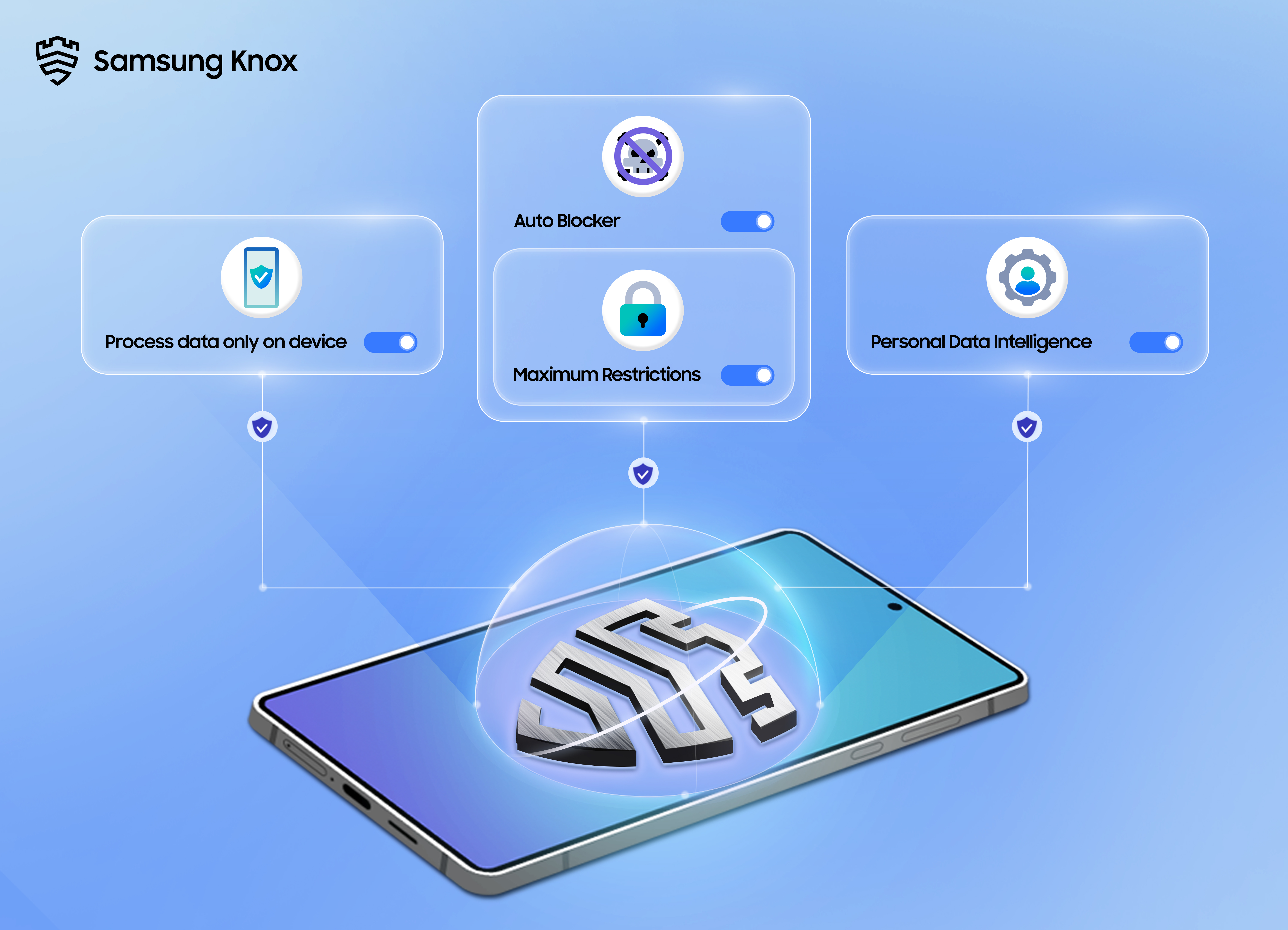
One of the ways we champion user control is through our powerful suite of AI tools that can operate on-device, keeping your data securely in your hands. Whether you’re using communication tools like Live Translate and Interpreter to break down language barriers, or editing tools like Audio Eraser[1] to stretch the limits of creativity, . These features offer a safe, responsive mobile experience that runs directly on your device, right at your fingertips — working alongside Galaxy AI’s privacy protections to give you greater visibility and control over your data.
Since launching Galaxy AI, our vision has been driven by a commitment to openness and user choice. That’s why we chose a hybrid approach, introducing a powerful combination of on-device and cloud-based AI. This ensures seamless usability and allows users to benefit from the full power of AI for even the most complex tasks. Advanced features such as Generative Edit[2] offer on-device capabilities and also tap into cloud-based AI as needed for more processing-intensive edits. With Galaxy, all AI experiences are designed with your privacy in mind — even those that utilise remote servers. No matter what feature or what settings you choose, is never stored long-term or used for AI training — whether processed on-device or on the cloud. Plus, with Advanced Intelligence settings[3], managing your privacy is as simple as tapping a button. You can even choose how your personal information is processed, including the option to disable online processing for AI features.
Privacy is the foundation of Galaxy AI, and thanks to our growing list of on-device AI features alongside powerful settings options, so is .
Intuitive Controls for Enhanced Visibility
In addition to AI-powered features, it’s critical that selecting privacy settings be easy and intuitive, no matter which mobile experience you choose. Galaxy’s Security and Privacy dashboard enables , including who sees it and how it is used, with a fool-proof interface. You can do it all — from viewing and updating app permissions, controls and data-sharing functions, to identifying which data could be at risk through intuitive safety status icons. With Permission Usage, you can even keep track of which apps may have recently accessed your data. This level of behind-the-curtain visibility across settings is unique to Galaxy, making it easier than ever to see how all Galaxy experiences are secured and built to function according to your preferences.
Another cornerstone of Galaxy privacy settings is Auto Blocker, a key feature that empowers you to secure your mobile devices without sacrificing usability. Auto Blocker protects your device by checking for malware and other security threats, while blocking malicious activity. It prevents unauthorised app installations, blocks commands and updates via USB, and mitigates zero click attacks with Message Guard.
For those looking for an even stronger line of defense against today’s cyber threats, Maximum Restrictions[4] offers an additional suite of device protections. These added measures offer an extra layer of user control, giving you the choice to block 2G service and prevent data from being intercepted when connected to unsafe networks. They also prevent unintended automatic reconnection to certain Wi-Fi networks that may be less secure.
With Samsung Knox protection and privacy settings that are easy to understand, you hold the power to decide how your data is handled — whether shared or kept completely on-device. Looking ahead, Samsung will further advance AI-powered security technologies to make privacy protections smarter, more adaptive, and even more seamless. And as AI continues to evolve, Samsung remains committed to building secure experiences rooted in transparency and choice — now and in the future.
[1]Samsung account login required. Six types of sound can be detected; voices, music, wind, nature, crowd and noise. Results may vary depending on audio source and condition of the video.
[2]Generative Edit feature for Photo Assist requires a network connection and Samsung Account login.
[3]Availability may vary by device model, OS and/or market.
[4]Maximum Restrictions prevents automatic, unintended reconnection to less secure networks, which may include Open, Opportunistic Wireless Encryption (OWE) or Wired Equivalent Privacy (WEP). This protects users from device traffic that may be exposed or intercepted.


