Your Privacy, Secured: Inside the Tech Powering Safe, Personalized Galaxy AI Experiences


The potential of AI is limitless, but to truly unlock the full potential of what it can do, user inputs that power personalized experiences are critical. AI needs to understand you — your preferences and your routines — to deliver a mobile experience that feels like a natural extension of your everyday life.
Intuitive, context-aware Galaxy AI features bring these personalized experiences to life, transforming your smartphone from a tool to a smart companion that anticipates your needs and offers suggestions designed to make your life more productive, creative and connected.
To deliver a fully personalized experience, your device naturally needs access to certain data. This is what allows AI to understand you and tailor its responses in ways that are genuinely helpful and suited to your lifestyle. To help keep your personal data safeguarded in this era of AI, we’re constantly innovating data protection on your device.
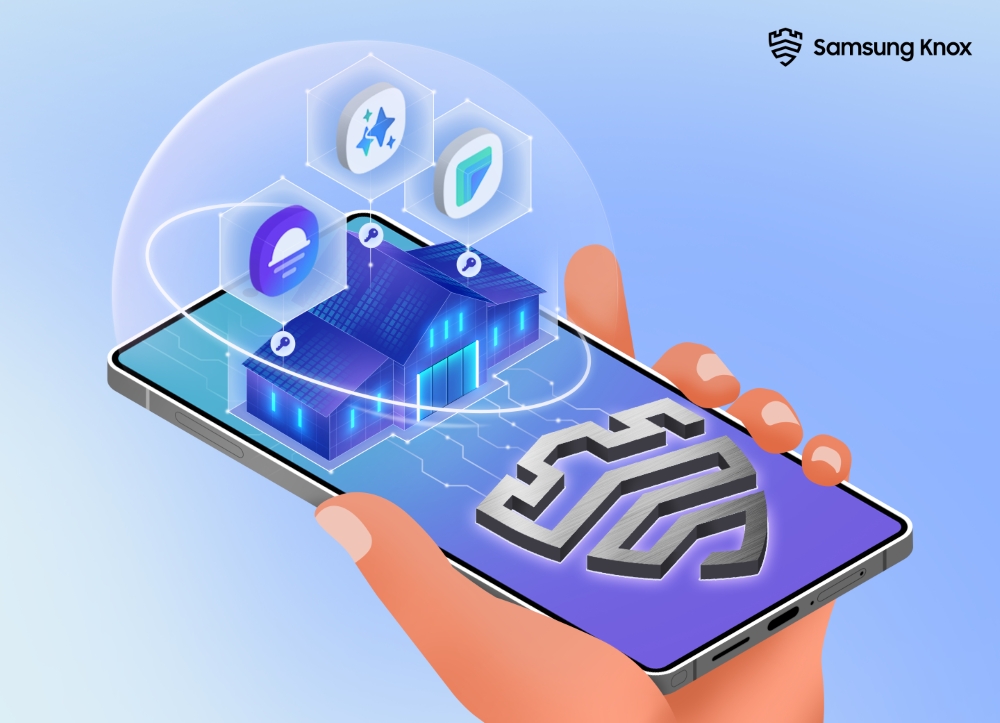
Personalization Made Possible with the Personal Data Engine
Samsung Electronics’ Personal Data Engine (PDE)a key component of safely delivering these highly personal experiences. First introduced with the Galaxy S25 series, the PDE is the powerhouse behind some of Galaxy’s most intuitive AI experiences yet. It works silently behind the scenes to learn from your habits and preferences, resulting in a truly personalized, unique experience.
Whether it’s Now Brief guiding you through your day with curated updates or simply finding that one perfect photo in your Gallery with natural language input, Galaxy AI makes every AI-powered action feel seamless. And because the PDE safely processes your data on-device, you can enjoy all the benefits of deeply customized AI — without compromising privacy.
Powerful Advancements with Knox Enhanced Encrypted Protection
To further strengthen the security of Galaxy AI experiences, Samsung developed Knox Enhanced Encrypted Protection (KEEP)[3] — a powerful new layer of on-device security that protects your most sensitive data without interrupting your experience. First developed for the PDE, KEEP now also safeguards other Galaxy AI features like Smart Suggestions, Now Brief and more, running quietly in the background to ensure that each supported app is kept secure. Imagine turning part of the house into a private suite — still under the same roof, but with its own secure entrance that only you can use. It’s more private than a regular room, but not completely separate like the guesthouse. KEEP works the same way: it creates a secure, dedicated space for individual apps — like the PDE — so it can safely handle your data without sending it anywhere or getting in the way of how you use your phone.
Think of your phone like a house. Each app has its own room — separate, but all under the same roof. Then there’s Secure Folder,[4] which works like a fully detached guesthouse with its own key, set apart from the main home. It’s great for keeping certain things extra private, especially when you want complete isolation from the rest of your device.
As our mobile experiences become more intelligent, KEEP helps keep your most personal data stays safe by design. Together with tools like Secure Folder, it reinforces Samsung’s multi-layered approach to data protection — giving both users and services the right type of security for different privacy needs.
With Galaxy AI becoming more personal, features like the Personal Data Engine and Knox Enhanced Encrypted Protection are setting a new standard for Samsung mobile intelligence — where personalization and privacy go hand in hand. As these experiences grow smarter and more attuned to your needs, you can rest assured that your most sensitive information will stay safe on your device, exactly where it belongs.
[1] The Personal Data Engine functions when the Personal Data Intelligence menu is on. Analyzed data will be deleted once the Personal Data Intelligence menu is turned off.
[2] Now Brief feature requires Samsung Account login. Service availability may vary by country, language, device model, apps. Some features may require a network connection. Modes and Routines need to be enabled to use Personal Data Engine for context-based Routines suggestions. User needs to consent to access permissions such as photos, videos, audio files, and calendar events. May not display moments depending upon exposure policy. The description of photos provided by moments may not align with the user’s intent. Events schedule notification is supported with calendar apps that utilize Android calendar database and available if Samsung Calendar is installed. Notifications for coupons only available for coupons added to Samsung Wallet with expiration date. To check the Energy Score, the health data tracked from Samsung Galaxy Watch or Samsung Galaxy Ring must be synchronized with the Samsung Health App. The result is for your personal reference only and is not intended for medical purposes..
[3] Available on Galaxy smartphones and tablets with One UI 8 or later.
[4] Secure Folder offers users a separate and protected area of their phone or tablet to store sensitive apps and data. It allows users to set up separate profiles which can duplicate your apps. Users can customize the Secure Folder app and set up their own lock type, including PIN, pattern, password and fingerprint. For enhanced security, Secure Folder users are also provided with an option to hide and encrypt the Secure Folder, which helps keep data safe from advanced cybersecurity threats. While hidden, the apps will stop working to keep your data safe. Once the Secure Folder is opened again, the encryption will be deactivated, and the apps will resume normal operation.
TAGSGalaxy AIKnox Enhanced Encrypted ProtectionOne UI 8Personal Data EnginePrivacySamsung KnoxSecure FolderSecurity
Products > Mobile
For any issues related to customer service, please go to samsung.com/ca/support for assistance.
For media inquiries, please contact canadanewsroom@samsung.com.


