Unpacking the Impressions of Power Users in Southeast Asia & Oceania: The Galaxy S26 Series
24-06-2026
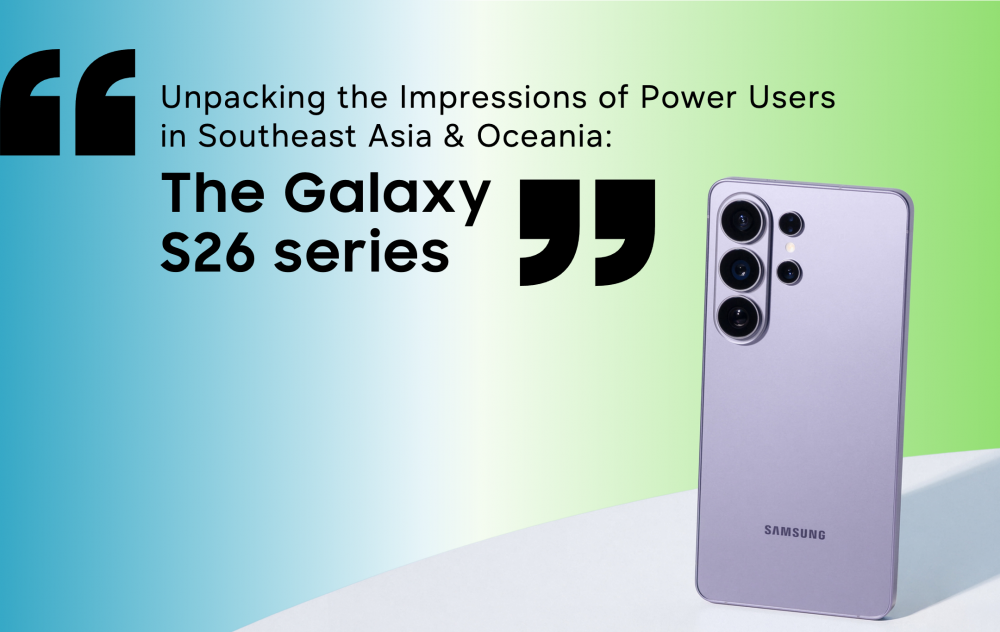
Since its launch earlier this year, the Galaxy S26 series has been making waves across the world, impressing users with its new and upgraded features. In fact, it has earned high praise and recognition from media, including BGR who said that “These are fast, capable, well-constructed smartphones with outstanding cameras, gorgeous displays, and solid battery life.” Closer to home in Southeast Asia and Oceania, the Galaxy S26 series have already become dependable companions that show up in everyday moments. Through hands-on sessions and extended use, media reviews keep landing on the same impression: this Galaxy lineup simply works for you.
Here are authentic thoughts from users who have spent time enjoying these exciting new AI phones.
Your Ever-Ready, AI Phones
An intuitive AI phone, the Galaxy S26 series supports you proactively and seamlessly, handling tasks in the background so you stay focused in every moment.
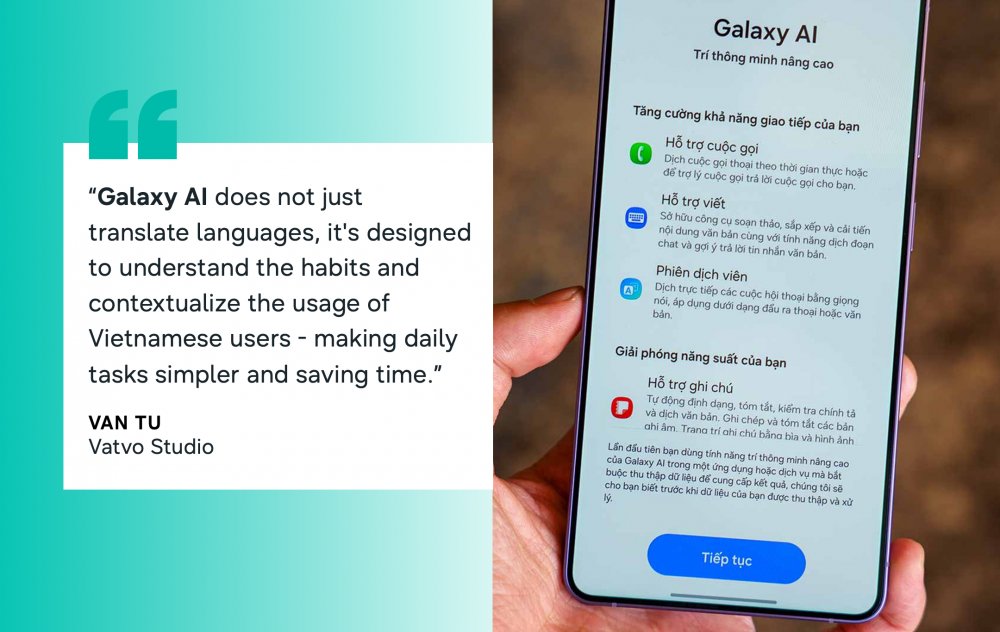
Galaxy Al[1] does not just translate languages; it’s designed to understand the habits and contextualize the usage of Vietnamese. There’s no need to install third-party applications or pay monthly fees to use these features. Everything is pre-synchronized into the system, making daily tasks. – Vantu, Vatvo Studio (In Vietnamese)
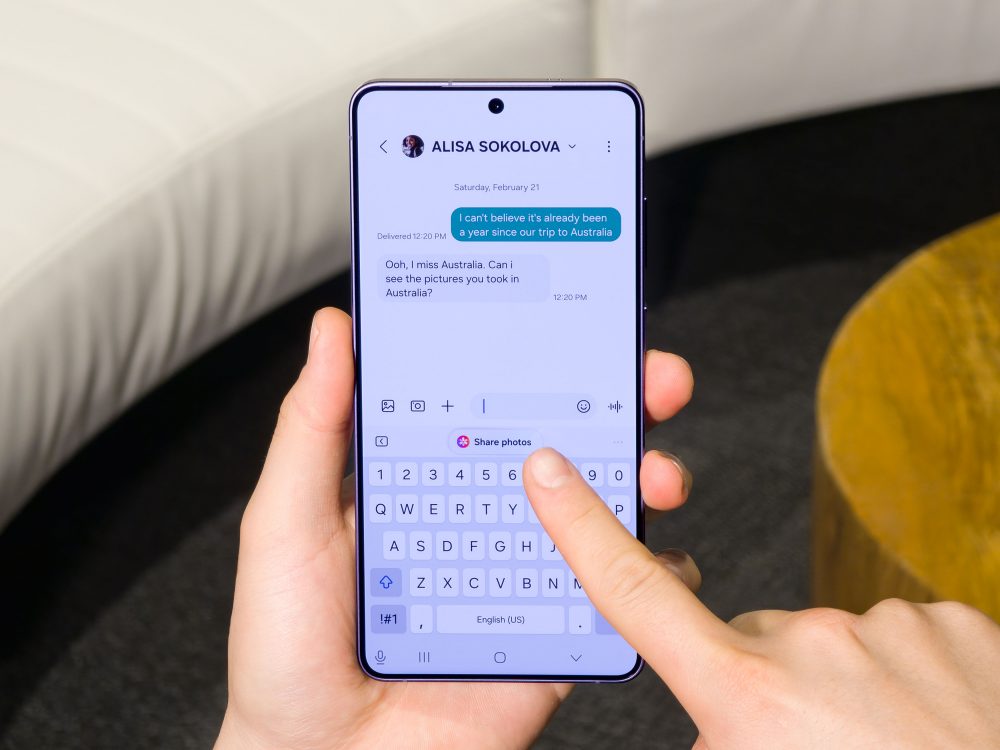
Instantly reply to that message asking for photos or get a glance of your day ahead:
“Galaxy AI[2] tries to make life easier in all kinds of little ways. Now Nudge[3] surfaces useful information when you’re using messaging apps.”
– Adam Turner, Gadget Guy
Never miss another important event:
“Now Brief[4] feature provides a daily summary for morning, afternoon, evening and late night including a daily agenda, weather forecast, health summary and sleep pattern. For those who want to see their daily summary locally, this is a useful feature before starting or ending the day.”
– Effi, Amanz
Galaxy S26 Ultra: A Great Camera and Editing System
In first few months of 2026, Samsung’s latest flagship phones have streamlined how people capture and share the moments that matter, bringing everything — from shooting to editing — into one smooth, intuitive experience.

“I also tried out the Galaxy S26 Ultra’s zoom and Nightography[5] capabilities in the Twin Peaks hills. Although the lighting around Twin Peaks is minimal after dusk, the details of the objects are still preserved. This includes the small details of the light from the lamps installed on the tower’s body.” – Lely Maulida, Tekno.kompas.com
Fully capture your experiences, even when enjoying fast-paced activities:
“Documenting fast-paced sports is the ultimate stress-test for any camera, let alone a smartphone. The Samsung Galaxy S26 Ultra passed with flying colors. It proved itself to be a fantastic, reliable tool for capturing high-stakes memories, backed by an impressive suite of pro-level hardware and software features.”
– Ramon Lopez, Revu
Galaxy S26 Ultra: Privacy You can Depend On, Everyday
The Galaxy S26 Ultra’s breakthrough Privacy Display[6] fundamentally changes how privacy can be protected on a phone. Built from Samsung’s expertise in display technology, this new innovation allows users to customize settings, limiting visibility levels according to their own needs.
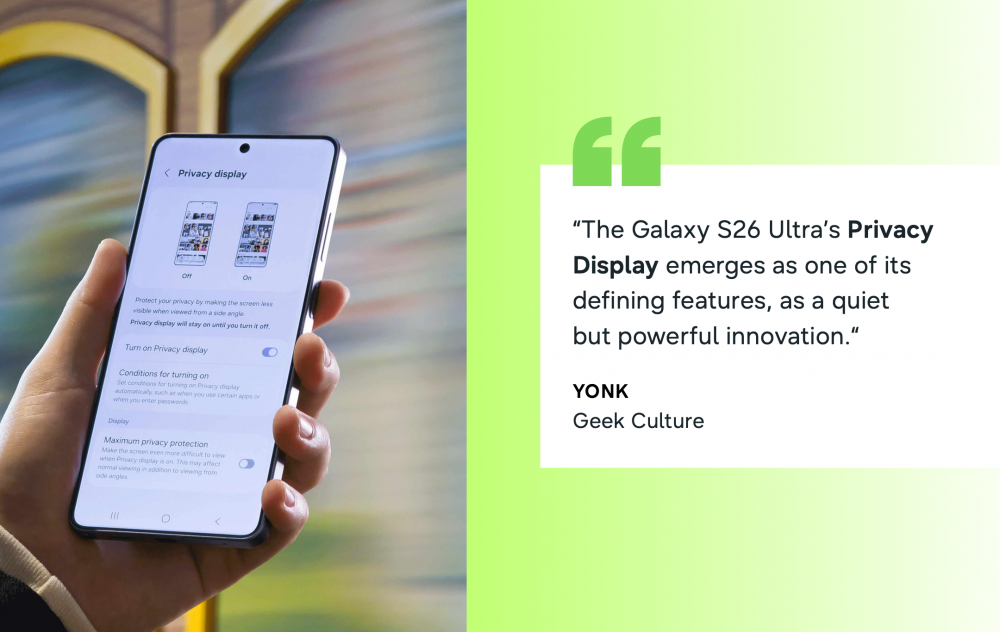
“After extended use, the Privacy Display emerges as one of the S26 Ultra’s defining features, for being a quiet but powerful innovation that could set the standard for mobile privacy going forward.” – Yonk, Geek Culture
Preserve viewing experiences even with the Privacy Display turned on:
“The Privacy Display is truly a gamechanger. Samsung was smart to make it a toggleable feature; if you don’t need it, you can just turn it off. It’s incredibly useful during my daily commute. While I’m personally not a fan of physical privacy films, having this built-in is vital for sensitive tasks like mobile banking.”
– Munk TV
Thinking about getting a new phone? Check out power users’ exciting impressions of Galaxy S26 series’ mobile AI, great camera and unrivalled privacy and find out how these devices go hand-in-hand to transform your everyday with ease.


