Who Knew Your Fridge Could Do All That?
17-11-2026
Episode 5 of Samsung’s Home at Heart series highlights how the Bespoke AI Family Hub Refrigerator simplifies everyday kitchen routines.
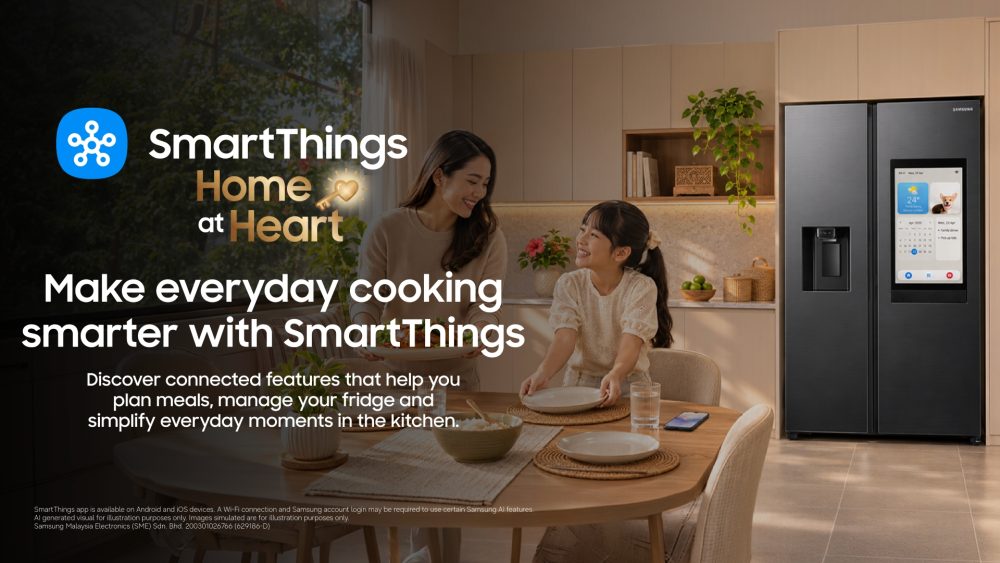
What if your refrigerator could do more than keep your food fresh? Imagine having recipe inspiration, hands-free controls and even the ability to answer calls, all from one screen in your kitchen.
Meet the Samsung Bespoke AI Family Hub Refrigerator, designed to make everyday kitchen routines a little more convenient and connected!
Not sure what to cook today? With SmartThings Food1, you can get instant recipe suggestions directly on the refrigerator’s screen, making it easier to find inspiration for your next meal. And with a connected multi-device experience, you can enjoy greater convenience as you explore recipes and manage your meal preparation across compatible Samsung devices, bringing a more seamless cooking experience right into your home.
Even when your hands are full, accessing your refrigerator is made easier. Simply ask Bixby2 to open the door or give it a light touch to activate the Auto Open Door3 feature, which is particularly handy when your hands are occupied or messy from cooking.
And the convenience doesn’t stop there. With hands-free calling, you can answer calls directly from the refrigerator’s screen without having to reach for your phone while preparing meals.
From finding your next recipe to keeping up with calls, the Samsung Bespoke AI Family Hub Refrigerator brings smarter convenience into the heart of your home, making everyday kitchen moments more seamless.
Discover how Samsung’s Bespoke AI Family Hub Refrigerator brings recipe inspiration, hands-free convenience and smarter connectivity right into your kitchen in Episode 5 of the Samsung Home at Heart Series on Samsung Malaysia’s social media channels: Instagram & YouTube.
- Available on Android and IOS decides. A Wi-Fi connection and a Samsung account are required. ↩︎
- Bixby is Samsung’s brand of Internet of Things (IoT) voice assistant. Its service availability may vary depending on the country, language, and dialect. ↩︎
- You can select the door opening level using the SmartThings App (SmartThings is available on Android and iOS devices. A Wi-Fi connection and a Samsung account are required). The ‘Wide-open’ option automatically opens the door by an angle of 80 degrees or more, but the door does not close automatically. The ‘Semi-open’ option reduces the force required to open the door, and automatically closes the door after a certain period of time if the door is left open. The actual angle that the doors open may vary due to the installation circumstances and usage conditions, like storing heavy items in the door bins. ↩︎
For any issues related to customer service, please go to samsung.com/my/support for assistance.
For media inquiries, please contact samsung@priority.net.my