Wear It, Sleep Better: A Good Night’s Rest Powered by Your Bespoke AI WindFreeTM Air Conditioner and Galaxy Wearable


Pair your Bespoke AI WindFree™ air conditioner with a Galaxy Watch or Galaxy Ring via SmartThings to activate ‘WindFree™ Wearable Good Sleep’ mode automatically, ensuring ideal climate conditions while you sleep.
WindFree™ cooling gently disperses air for more comfortable, draft-free cooling.
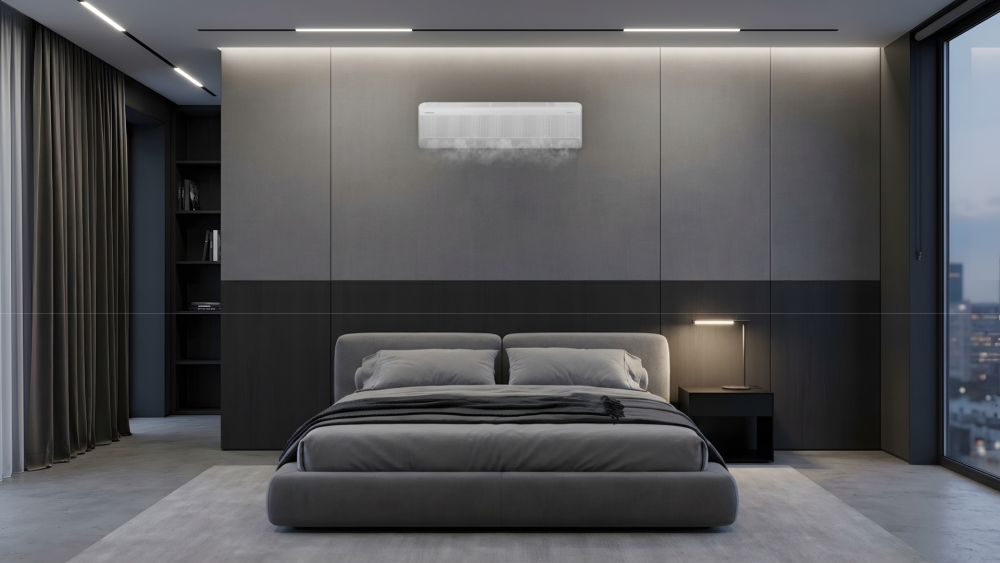
Hot and humid nights can make it difficult to fall asleep, and even harder to stay comfortable through the night. Understandably, disrupted sleep caused by heat and humidity is one of the biggest reasons people invest in or upgrade their air conditioners. In a recent Samsung survey[1], 80% of respondents cite heat- or humidity-disrupted sleep as a key driver behind their purchasing of cooling solutions.
Samsung’s answer is the Bespoke AI WindFree™ air conditioner, which provide WindFree™ cooling – a comfortable, draft-free cooling, without any uncomfortable blasts of cold air. Combined with ‘WindFree™ Wearable Good Sleep’ mode and the connected Galaxy ecosystem like your Galaxy Watch or Galaxy Ring[2] through Samsung SmartThings, the air conditioner can respond to your needs automatically, helping create a more comfortable environment throughout the night.
‘WindFree™ Wearable Good Sleep’ Mode: Cooling That Works While You Sleep
Fall asleep, and your Samsung air conditioner already knows. Pair your Galaxy Watch or Galaxy Ring to the Bespoke AI WindFree™ Air Conditioner, and the mode automatically switches on by itself — without the need for remotes or fumbling in the dark.
When your connected Galaxy wearables detect you are asleep, the ‘WindFree™ Wearable Good Sleep’ mode turns on WindFree™ cooling and adjusts the cooling performance to suit your sleep patterns for an ideal sleeping environment.
Designed to support a more comfortable night’s sleep, the air conditioner automatically adjusts the room temperature in response to different stages of the sleep cycle. This is because the most comfortable temperature may vary throughout the night.
Throughout the night, the air conditioner makes approximately three temperature adjustments: cooling quickly as you fall asleep, maintaining a comfortable environment during deeper sleep, and gradually increasing the temperature as you wake. This helps create a more comfortable sleep environment, particularly during warm nights where maintaining the right temperature all night can be challenging.
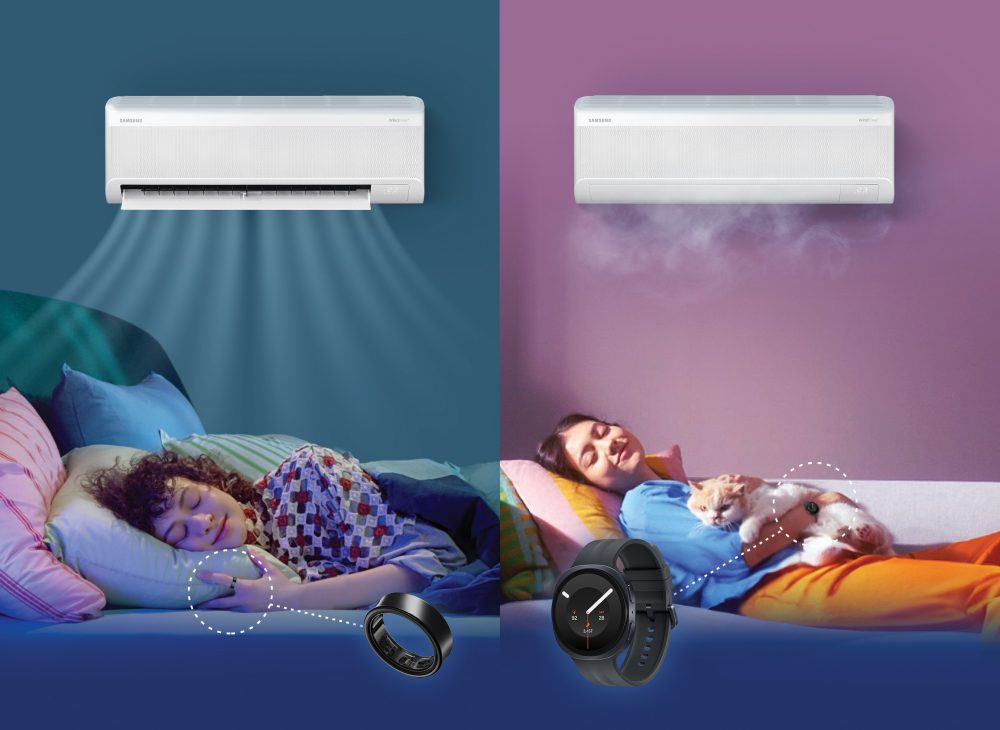
Set Up ‘Good Sleep’ Mode In A Few Steps
- Download the SmartThings app on your Galaxy Watch or Galaxy Ring and ensure your Bespoke AI WindFree™ air conditioner and wearable device are connected to the same Wi-Fi network.
- In the SmartThings app, go to Modes and Routines > Sleep, and activate the settings available for your air conditioner and Galaxy wearable.
- Choose what happens when ‘WindFree™ Wearable Good Sleep’ mode starts and ends – for instance, turning on WindFree™ Cooling and setting your target temperature.
- Wear your Galaxy Watch or Galaxy Ring to bed. Once it detects you’ve fallen asleep, your air conditioner will ensure the room temperature stays optimal for your sleep.
Additionally, your Galaxy Watch or Galaxy Ring can also monitor your sleep patterns and provide insights into how well you’re sleeping, helping you better understand your nightly routine.
For more information on the 2026 Bespoke AI WindFree™ air conditioner and how it pairs with
your Galaxy ecosystem, visit https://www.samsung.com/sg/offer/air-conditioners/
| Frequently Asked Questions
Q. How does ‘WindFree™ Wearable Good Sleep’ mode work? It connects the air conditioner to compatible Galaxy wearables, such as the Galaxy Watch or Galaxy Ring, through SmartThings. When the wearable detects that you have fallen asleep, it automatically activates WindFree™ cooling throughout the night to create the ideal climate for a deep and pleasant sleep.
Q. What other features of Bespoke AI WindFree™ air conditioner can be part of my bedtime routine? AI Fast & Comfort Cooling helps bring the temperature down quickly based on room conditions and usage patterns. Once the room is comfortable, it eases into WindFree™ cooling, providing relief without the uncomfortable cold blast of air.
|
[1] The Samsung Consumer Insights survey included 1,233 respondents from four markets including Indonesia, Thailand, Philippines and Vietnam.
[2] It can be used when linking a Samsung smartphone with Samsung software One UI version 4.0 or later and a wearable device that supports Wear OS: Galaxy Watch 4 or later, Fit 3 or later, Galaxy Ring. You must download the Samsung SmartThings App on the wearable device and connect the air conditioner to your home Wi-Fi. You can set it in the Samsung Watch App’s ‘Sleep well with smart devices’ or Settings > Mode and routine > Sleep menu, and you must wear the device while sleeping. SmartThings is optimized for Samsung smartphones and Galaxy Watches, and some functions may be limited when used on smartphones and watches from other manufacturers.
Products > Home Appliances
For any issues related to customer service, please go to samsung.com/support for assistance.
For media inquiries, please contact samsungsg@infom.asia.


