Beat the Heat, Not Your Energy Use


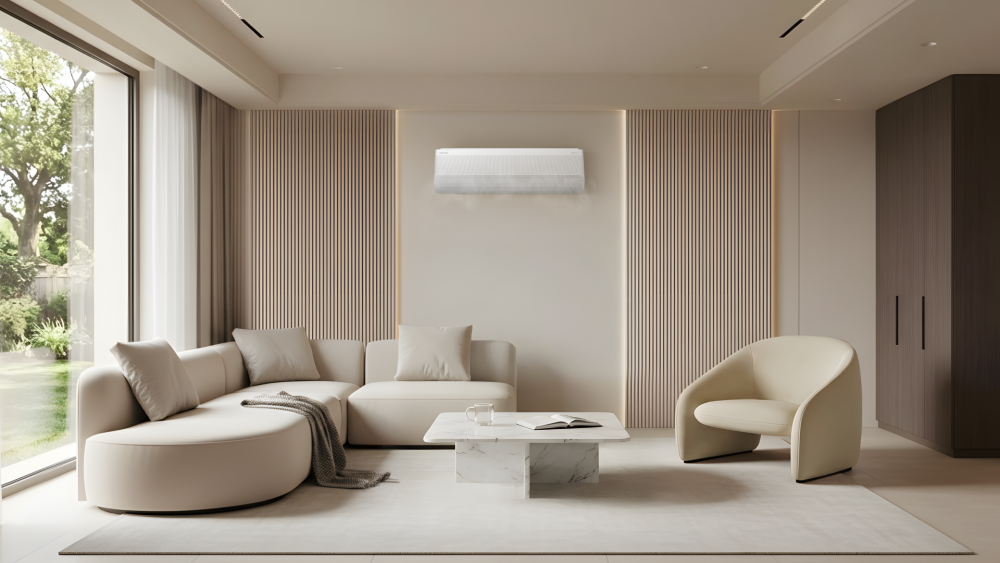
Air conditioners have become an essential part of daily life during the hottest months of the year, but staying cool can also raise concerns about energy efficiency.
Fortunately, staying comfortable during the summer doesn’t have to mean using more energy. From everyday habits and advanced cooling technologies to simple maintenance practices, there are several ways to reduce unnecessary energy use while maintaining a pleasant indoor environment.
Small Changes, Smarter Cooling
Small changes in everyday habits can make a meaningful difference in summer energy use.
Simple actions such as keeping doors and windows closed can help prevent cool air from escaping. Using curtains or blinds to block direct sunlight can also limit heat entering your home, making it easier to create a comfortable indoor temperature. In addition, using a fan alongside an air conditioner can improve air circulation and help you feel cooler without lowering the temperature setting.
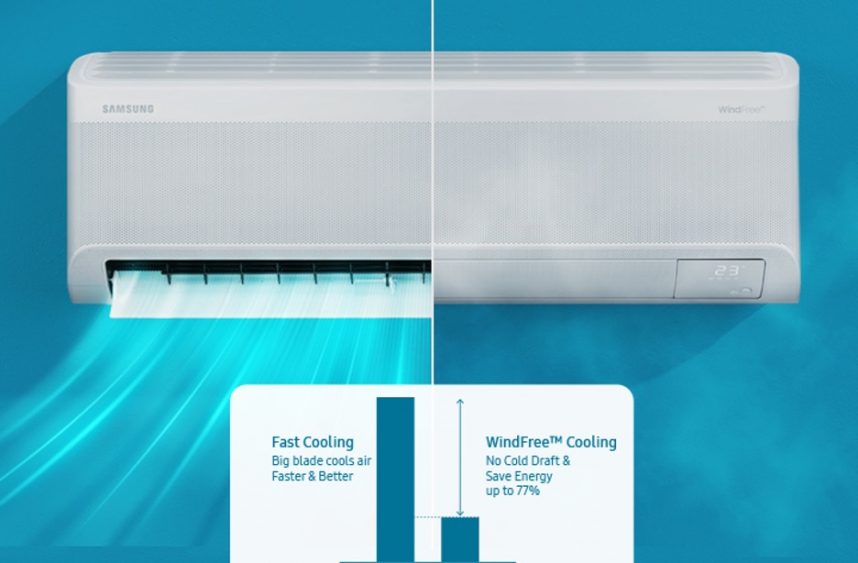
If you are using Samsung’s Bespoke AI WindFreeTM Free Air Conditioner,[1] consider switching to WindFree™ Cooling mode. This mode offers another way to maintain comfort more efficiently by gently dispersing cool air through 23,000 micro air holes to deliver comfortable cooling without direct cold drafts. By minimising compressor speed, keeping the indoor airflow blades closed and operating the fan motor at its lowest RPM, the system maintains cooling performance while using less energy. This efficient operation allows WindFree™ mode to reduce energy consumption by up to 77%[2] compared to Fast Cooling mode.
Don’t Forget the Filter
Even the most advanced air conditioner may perform more efficiently when properly maintained.
Over time, dust and debris can accumulate on the filter, restricting airflow and forcing the system to work harder to achieve the same cooling performance. This additional load can lead to higher energy consumption during operation.
To help maintain optimal performance, filter cleaning is generally recommended once every two weeks during periods of frequent use.[3]
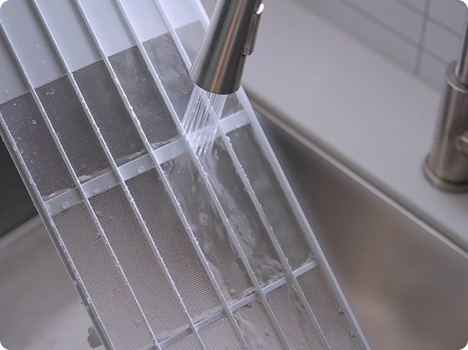
Image for reference only. Please refer to our website for more details.
Cleaning the filter is simple:
- Turn off the air conditioner.
- Remove the filter from the top of the air conditioner unit
- Remove dust using a vacuum cleaner or soft brush.
- Rinse the filter with running water if necessary.
- Allow the filter to dry completely before reinstalling it.
- Reattach the filter to the air conditioner unit
Regular filter maintenance helps maintain airflow, support efficient operation and avoid unnecessary energy consumption over time.
Smarter Energy Management for a More Efficient Summer
Small changes can make a difference, but smarter technologies can help take energy management one step further.
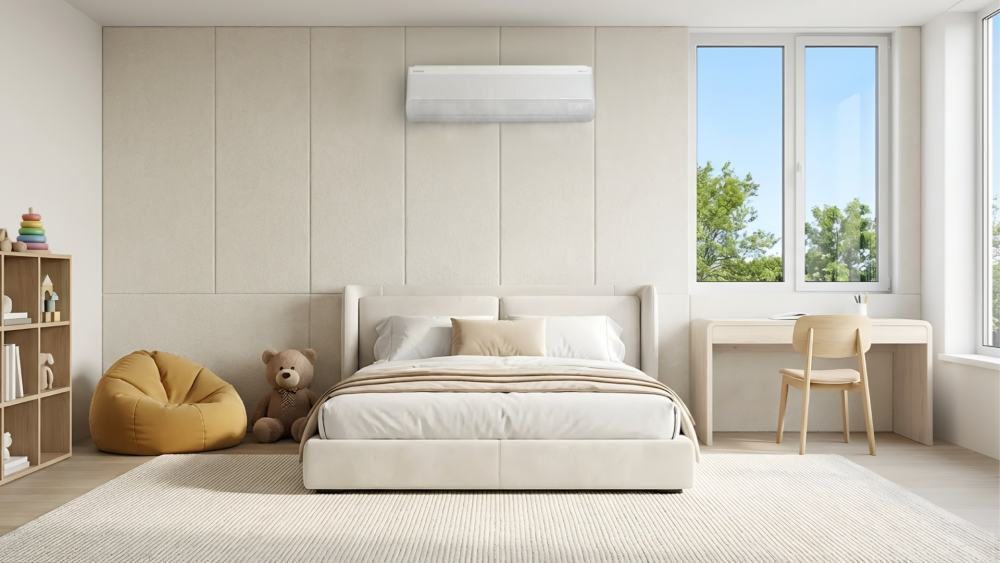
If you are using Samsung’s Bespoke AI WindFreeTM Air Conditioner, SmartThings Energy[4] provides real-time visibility into energy consumption and usage patterns through the SmartThings app on your smartphone. With AI Energy Mode, the air conditioner can automatically optimise performance based on operating conditions and cooling needs, helping reduce energy consumption by up to 28%[5] while also enjoying savings up to $1,900[6] in 5 years.
By combining thoughtful daily habits with smarter cooling technologies, you can stay comfortable during the summer without compromising energy efficiency.
[1] Availability and functions may vary by model, region, and country. Applicable model: AR80H*********, AR70H*********, AR60H*********.
[2] Based on internal testing on the AR70H12CAAW/EU model in accordance with Samsung protocols. Results provided to and interpreted by Intertek, comparing the power consumption of Fast Cooling mode vs. WindFree™ Cooling mode. Results may vary depending on the actual usage conditions.
[3] Filter cleaning frequency may vary depending on usage patterns, operating conditions and the indoor environment.
[4] Available on Android and iOS devices. Wi-Fi connection and Samsung account are required.
[5] 4Based on internal testing on AJ018DBAPKF/SP and AJ045DCJ2KF/SP models, comparing AI Energy Mode vs AI Auto Mode. Requires SmartThings App and Samsung account login require. Actual savings may vary by usage patterns and environment
[6] Value estimated on a five-year basis and based on a combination of System 4 units (9k + 9k + 12k + 24k). AI energy-saving calculator only provides estimated values for guidance only. For accurate and precise estimates, we recommend consulting with your utility provider or a qualified energy professional. Actual energy bills may vary depending on various factors, including, but not limited to, product model, and usage condition and patterns.
Products > Home Appliances
For any issues related to customer service, please go to samsung.com/support for assistance.
For media inquiries, please contact samsungsg@infom.asia.


