How to Make the Most of Galaxy Z Flip8: Samsung UK’s Mobile Expert Shares His Favourite Tips
August 26, 2026
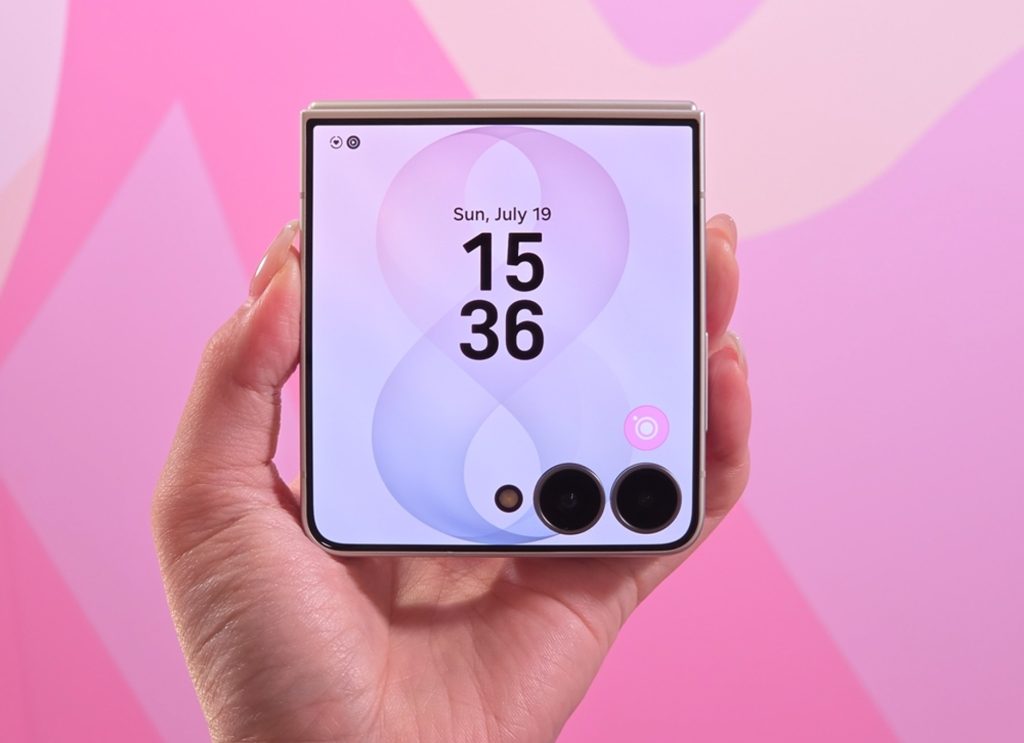
A smartphone doesn’t always need to be open to be useful. Whether it’s checking a message, capturing a group photo or quickly accessing a favourite app, Galaxy Z Flip8 has been designed to make everyday interactions quicker – sometimes without needing to unfold it at all.
And while its folding design might be the first thing you notice, some of the features that make the biggest difference day-to-day are easy to miss.
There’s plenty to explore beyond the Galaxy Z Flip8’s foldable design. Here, Samsung UK’s Smartphone Specialist, Kadesh Beckford answers some of the key questions around getting more from Galaxy Z Flip8 – from what you can do on the FlexWindow to taking hands-free selfies and personalising your device.
1. What can I do with the FlexWindow on Galaxy Z Flip8?
Galaxy Z Flip8’s 4.1-inch FlexWindow lets you access messages, manage notifications and launch favourite apps without needing to unfold your phone.
It’s one of Kadesh’s favourite Galaxy Z Flip8 features.
“I love the FlexWindow,” says Kadesh. “Having instant access to important apps, messages and notifications without opening the phone genuinely saves time and changes how I interact with my device throughout the day.”
Rather than treating the FlexWindow as simply somewhere to glance at notifications, Kadesh recommends setting it up around the things you actually reach for throughout the day.
Kadesh’s tip: Don’t overlook what you can do from the FlexWindow. From accessing important apps to reading and replying to messages and managing notifications, plenty of everyday tasks can be handled without unfolding your phone.
2. How can I take hands-free selfies on Galaxy Z Flip8?
FlexCam lets you position Galaxy Z Flip8 at different angles to capture hands-free photos, while using the phone’s 50MP rear camera for high-resolution selfies.
For Kadesh, it’s the standout Galaxy Z Flip8 feature.
“The standout feature for me is FlexCam,” he says. “Being able to capture high-resolution 50MP selfies using the rear camera ensures I never compromise on image quality.”
The foldable form means Galaxy Z Flip8 can be positioned at different angles for hands-free photos, letting you step away from the camera and get yourself – and everyone else – into the frame without needing someone to hold the phone.
You can also use the FlexWindow to preview your shot while using the rear camera, so you can check your framing before capturing it.
Kadesh’s tip: Next time you’re taking a group photo, try positioning your Flip in FlexMode rather than handing your phone to someone else. It effectively becomes its own camera stand, while the FlexWindow lets you make sure everyone is in shot.
3. What is Mirror View on Galaxy Z Flip8 and how do I use it?
Mirror View is available through Camera Assistant and gives Galaxy Z Flip8 users a clearer preview of their selfie through the FlexWindow.
To access it, download Camera Assistant through the Camera settings menu and explore the additional options available for Galaxy Z Flip8.
Called a “hidden gem” by Kadesh, this feature provides a clearer preview through the FlexWindow, with intelligent lighting adjustments designed to help you frame your selfie whether it’s day or night.
Kadesh’s tip: If you regularly take selfies using the FlexWindow, head into your Camera settings, download Camera Assistant and explore Mirror View. It’s a small setting that turns your camera into a true-to-life mirror, even in the dark, making it easier to get your shot right before you press the shutter.
4. How can I personalise Galaxy Z Flip8?
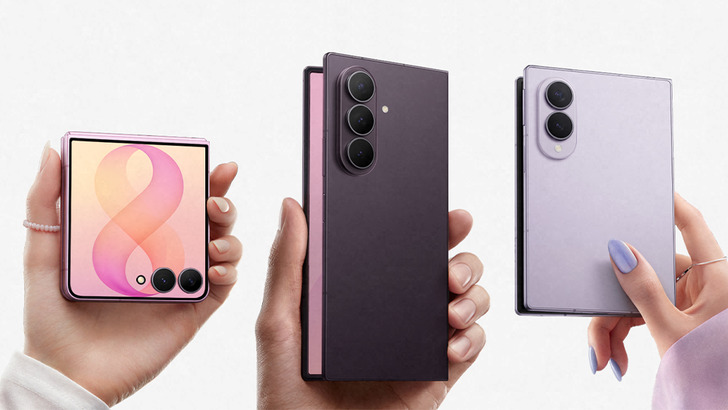
Personalisation is one of the areas where the Galaxy Z Flip8 form factor really comes into its own. “What I love most about the Galaxy Z Series is that Samsung has created a foldable for everyone,” he says. “For users looking for something lightweight, stylish and highly portable, the Galaxy Z Flip8 is an easy recommendation.”
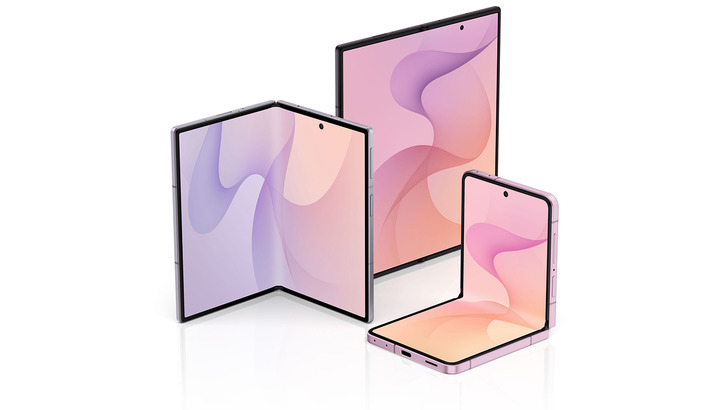
At 180g and 6.1mm when unfolded, Galaxy Z Flip8 is Samsung’s slimmest and lightest Z Flip device yet, while opening out to reveal a 6.9-inch Main Display.
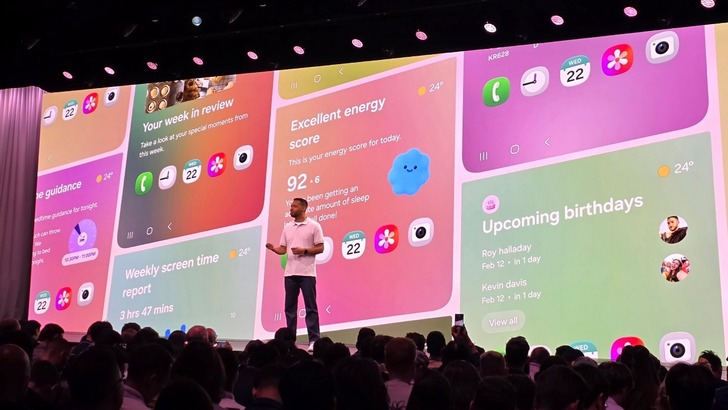
And personalisation doesn’t stop at how you arrange your FlexWindow. One UI 9 offers extensive customisation options, while Galaxy AI-powered Photo Assist lets you add, remove, restyle and enhance elements within your photos.
Whether you’re using the FlexWindow to get through everyday tasks, turning your Flip8 into a hands-free camera or digging a little deeper into its settings, Kadesh’s advice is simple: spend some time exploring what your Galaxy Z Flip8 can do before assuming you’ve seen it all.
Galaxy Z Flip8 is available now: https://www.samsung.com/uk/smartphones/galaxy-z-flip8/
For any issues related to customer service, please go to samsung.com/uk/support for assistance.
For media inquiries, please contact seuk.pr@samsung.com.