Smart TV vs Streaming stick which is actually better in 2026
23-06-2026
How to Make Your TV a Smart TV
You have a perfectly good TV. The picture quality is fine, the size is right for your room – but it does not stream. Or it does, but slowly, with an app library that has not been updated in two years and a remote that takes four button presses to get to Netflix. Sound familiar?
The good news is that turning a basic TV into a smart TV – or upgrading a sluggish one – is easier and more affordable than most people expect. The better news is that if you are in the market for a new TV, today’s smart TVs have matured to the point where a separate streaming device may no longer be necessary at all. Here is how to think through both options…
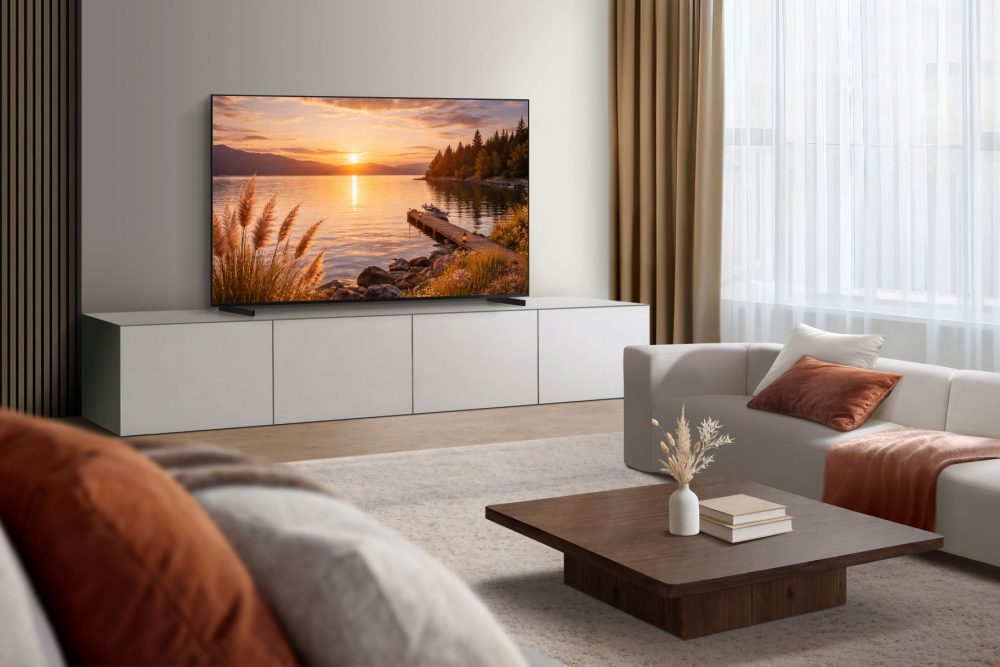
Option one: add a streaming stick
A streaming stick plugs into your TV’s HDMI port and overlays a full smart platform on top of whatever operating system your TV already has. It is the fastest and most affordable route to a smart TV experience, with devices available in South Africa typically costing between R600 and R2,500 depending on the platform and features on offer.
Streaming sticks have three genuine advantages. First, they receive software updates independently of your TV – so even as your television ages, the streaming platform stays current. Second, they tend to offer broader app libraries than built-in TV platforms, particularly for international content. Third, they are portable – you can take them between rooms, to a holiday home, or plug them into a hotel TV abroad.
The trade-off is that a streaming stick is one more device to manage, one more remote to lose, and one more thing drawing power from your wall socket. For older TVs, it is often the right call. For newer ones, the calculation is less clear.
Option two: buy a smart TV
Modern smart TVs have come a long way from the slow, app-poor platforms of five years ago. Today’s flagship smart TVs run dedicated operating systems with fast processors, regular software updates, and native support for every major streaming platform – including Disney Plus, DStv Stream, Netflix, and YouTube. Here is a full breakdown of what a smart TV actually offers – including the features that separate a genuinely capable platform from one that just carries the label.
Samsung’s Tizen operating system, for example, ships with a Universal Guide that aggregates content recommendations across all your streaming services in one place, so you spend less time switching between apps and more time watching. Voice control, SmartThings integration, and regular over-the-air updates mean the TV improves over time rather than aging out of usefulness.[1]
For South African households with fibre or a strong LTE connection, a mid-range or flagship smart TV purchased in 2024 or later is likely capable enough to replace a streaming stick entirely – provided the app support for local platforms is confirmed before you buy.
The South African streaming landscape matters
Not all smart TV platforms support all South African streaming services equally well. Before committing to either a TV or a streaming device, confirm that the platform you are choosing has native, well-maintained apps for the services you actually use. Showmax and DStv Stream have had inconsistent availability across certain TV operating systems historically – a point worth verifying for your specific model before purchase.
The local app landscape for streaming sticks varies by platform and changes regularly – before purchasing, it is worth checking that the device you are considering has current, well-maintained apps for Showmax, DStv Stream, and any other South African services you use. For smart TV buyers, Samsung’s Tizen platform has significantly improved its local app availability in recent years and is worth evaluating specifically against your streaming requirements.[2]
Which smart TV option is right for you?
If you have a TV that is no more than three years old and already carries a smart platform – the honest answer is to try it properly before spending money on a streaming stick. Update the firmware, install the apps you need, and give it a week. You may find it is capable enough for your needs.
If your TV is older, does not have built-in smart features, or has a platform that is no longer receiving updates, a streaming stick is the most cost-effective upgrade available. It will outlast the TV itself and can move with you when you eventually replace the screen.
If you are buying a new TV, the smart platform should be part of your decision – not an afterthought. Samsung’s TV size guide is a useful starting point for matching screen size to your room, and Samsung.com offers free delivery and flexible finance options that make upgrading more accessible than buying through a third-party retailer.
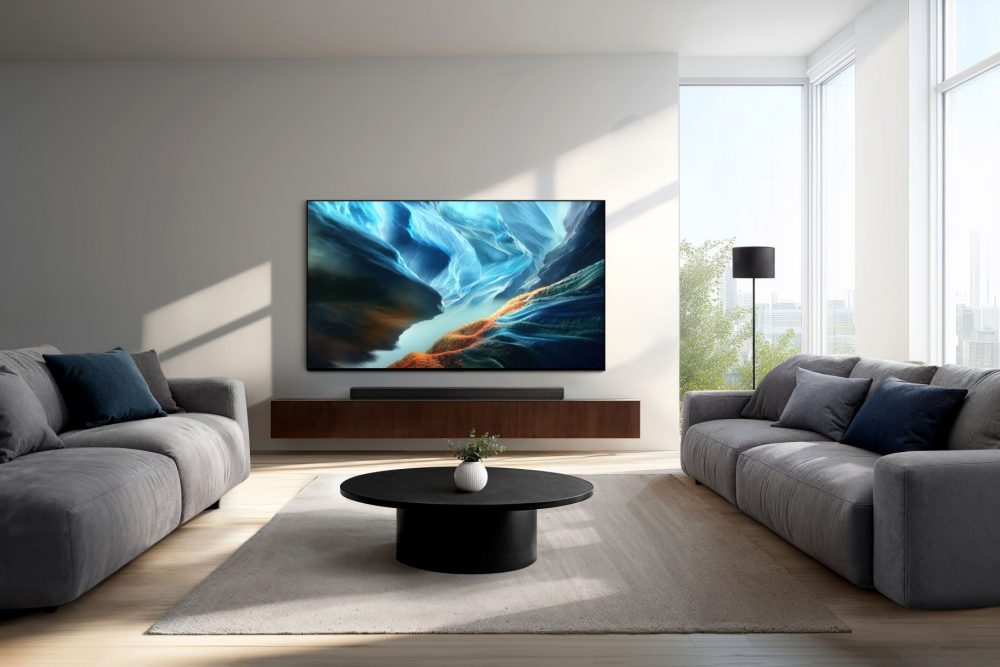
Whether you upgrade with a streaming stick or invest in a new smart TV, the goal is the same: effortless access to the shows and services you love. For South African households, Samsung’s latest models rank among the best smart TVs, combining powerful performance with seamless integration of local streaming platforms.
To make the right choice, explore Samsung’s Smart TV guide to understand what a Smart TV really offers, and use the TV size guide to match the perfect screen to your space. With free delivery and flexible finance options, upgrading to a smarter entertainment experience has never been easier.
[1] SmartThings integration and Universal Guide availability vary by Samsung TV model and software version. Subject to client review.
[2] App availability on Samsung Tizen and third-party streaming platforms is subject to change. Readers are advised to verify current app support for their preferred services before purchase. Subject to client and legal review.


