Back to Work: Boost Your Productivity with Samsung’s Versatile Monitors
09-02-2026
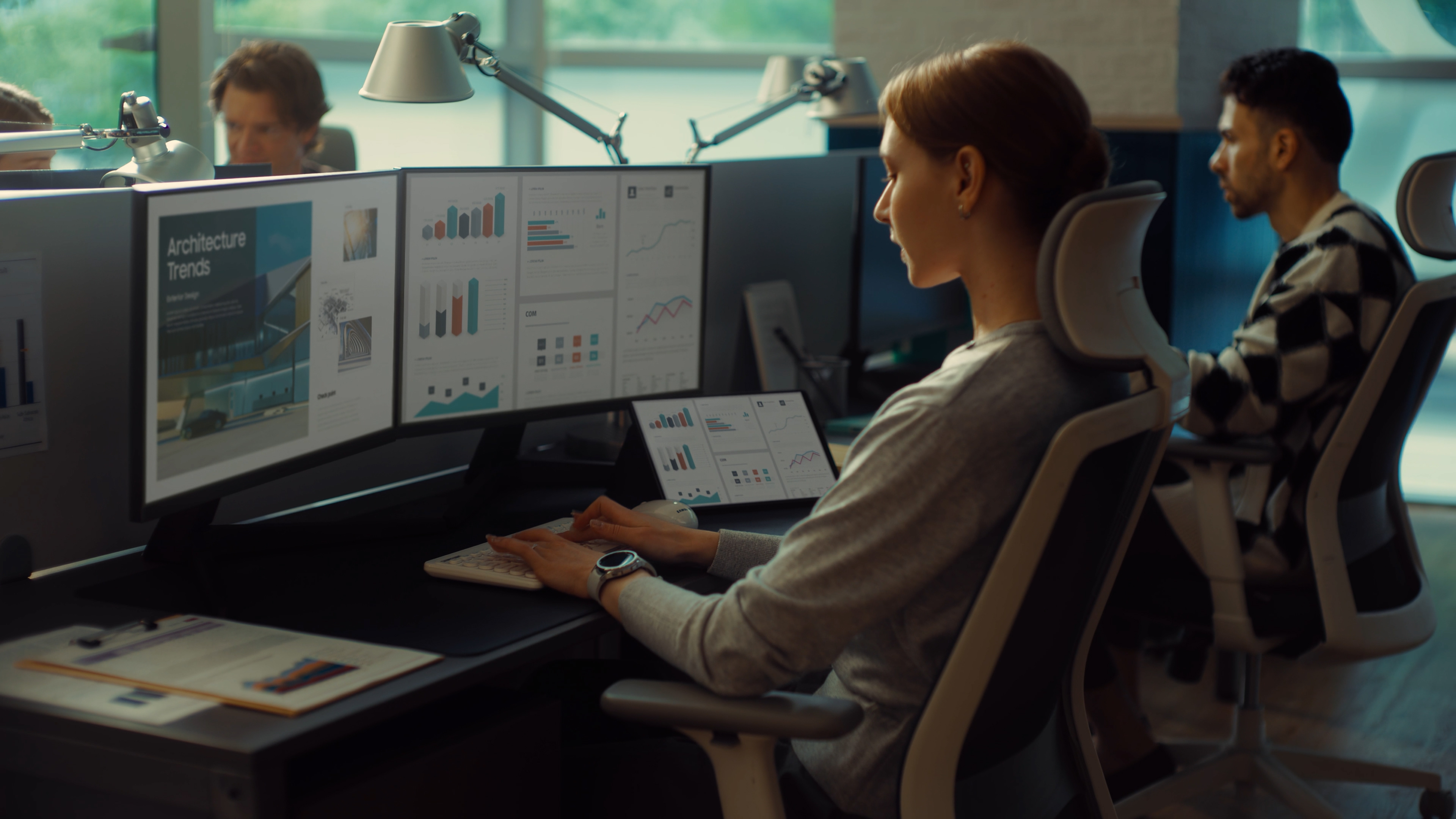
As businesses settle into the realities of hybrid and flexible work models, one thing becomes clear – productivity no longer depends solely on where work happens, but on how well workspaces are equipped and fit for purpose. From corporate offices to home setups, display technology has emerged as a critical enabler of focus, efficiency, and employee well-being.
Back to Work, Back to Productivity
The return to structured work routines is prompting organisations to rethink their workspace standards. Employees are moving between offices, home desks and shared environments, often using multiple devices and applications throughout the day. High-quality monitors play a pivotal role in supporting this shift by helping to minimise distractions and maintain consistency across work locations.
A well-chosen monitor can support smoother workflows and more effective collaboration, whether an employee is sifting through data at headquarters or joining a virtual meeting from their home office.
Choosing the Right Monitor Matters
The importance of display quality on daily productivity is paramount and the right monitor setup delivers tangible business benefits:
- Greater screen clarity and real estate enable employees to manage multiple windows, documents, and tools simultaneously, improving task efficiency and reducing time lost to constant switching.
- Ergonomic design helps reduce eye strain, neck tension and fatigue, supporting long-term comfort and healthier work habits over extended hours.
- Flexible connectivity options simplify device integration, allowing employees to move seamlessly between laptops, desktops and shared systems without unnecessary downtime.
Samsung Business Monitors: Purpose-Built for the Workspace
Samsung’s business monitor portfolio is designed to meet the demands of modern workplaces across industries. From productivity-focused displays to specialised solutions for data-intensive and creative work, the range supports diverse professional requirements.
Amongst its key strengths, the range includes business-ready features that support hybrid workflows, multi-device environments and collaborative use cases, reliability and durability, ensuring consistent performance, and Samsung’s proven track record rooted in display innovation and trusted by organisations worldwide.
Explore the full range of Samsung’s business monitors and their B2B-oriented features at
https://www.samsung.com/za/business/monitors/
Designed for Different Business Use Cases
No two roles work the same way and monitor choices should reflect this reality:
- Single large-format screens are ideal for finance, operations and analytics professionals who require clarity and precision when working with complex data.
- Ultra-wide displays support creative teams, developers and multitaskers who benefit from expanded horizontal space and uninterrupted workflows.
- Adjustable stands and ergonomic designs are well-suited to corporate offices, shared desks and hot-desk environments, enabling comfort for different users.
This flexibility allows organisations to standardise on a trusted brand while tailoring solutions to specific team needs.
Long-Term Value for Growing Businesses
Beyond enabling productivity, the right monitor strategy supports long-term business value. Samsung monitors are designed to help organisations build future-ready workspaces that can adapt as teams grow or work models evolve.
Energy-efficient designs and enterprise-grade performance also contribute to optimised total cost of ownership in the long run.
For additional guidance on selecting the right monitor type, particularly for hybrid or home-office environments, Samsung’s buying guide offers practical insights:
https://www.samsung.com/za/monitors/monitor-buying-guide/best-monitor-for-home-office/
For any issues related to customer service, please go to samsung.com/za/support for assistance.
For media inquiries, please contact ssapr.newsroom@samsung.com.


