Welcome to Better and Smarter Living with Samsung


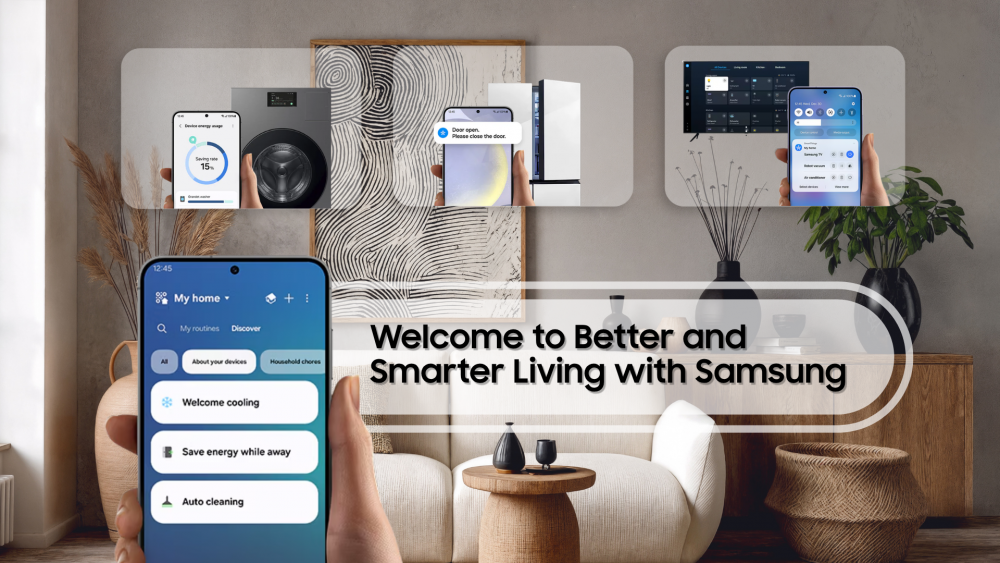
Between managing energy bills, keeping the fridge stocked, and staying on top of household chores, running a home can sometimes feel like a full-time job. But what if your home could help manage those tasks for you?
Powered by SmartThings[1], Samsung TVs and Bespoke AI appliances come together to deliver a smart home experience through one connected ecosystem. This single platform allows you to monitor connected devices, automate routines and optimise everyday tasks, creating a home that adapts to your lifestyle so you can fully enjoy moments at home without worrying about the next task.
Whether you’re looking to monitor your energy consumption or simplify chores, SmartThings works quietly in the background to enable better living.
What’s the best way to reduce energy use and effort on household chores?
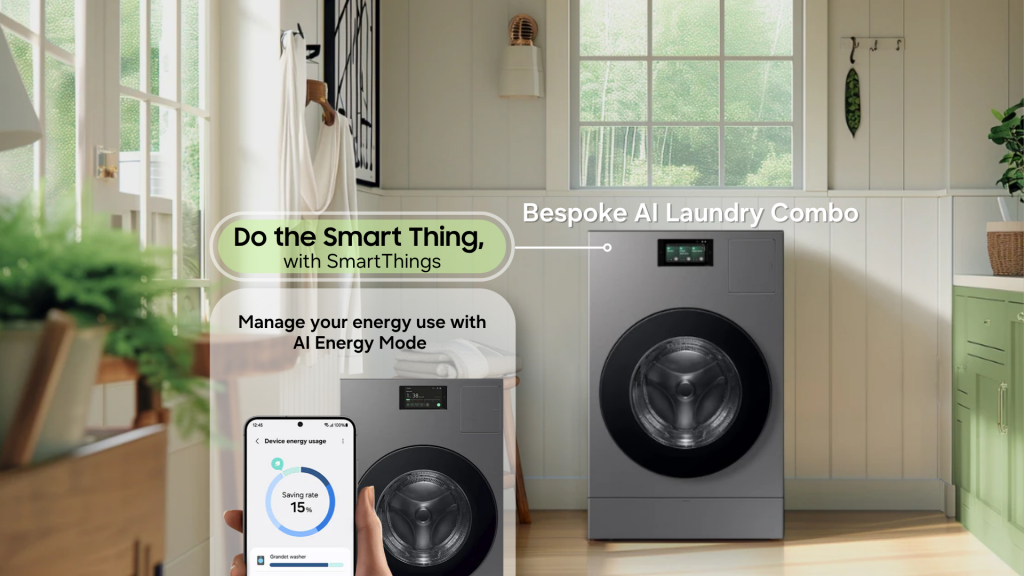
The Bespoke AI Laundry Combo automates washing and drying for your laundry, with effective energy use through AI Energy Mode in SmartThings Energy[2] Image simulated for illustrative purposes.
Laundry is one of the most time-consuming household chores, often requiring a lot of attention while draining significant amounts of energy. Samsung’s Bespoke AI laundry solutions are designed to simplify laundry care while optimising energy consumption throughout the washing and drying process.
Do the Smart Thing with SmartThings: Activate AI Energy Mode[3] on your Samsung Bespoke AI Laundry Combo to automatically reduce energy consumption by up to 20% -during washing and 10% less during drying cycles.
While you get on with other tasks, your Bespoke AI Laundry Combo takes care of the laundry efficiently:
- Smarter laundry with less effort: AI Wash & Dry+ on the Bespoke AI Laundry Combo automatically detects the weight of each load and adjusts water usage, detergent dosage, and cycle duration accordingly[5].
- Intelligent, laundry care: Heatpump Drying Technology on the Bespoke AI Laundry Combo recycles warm air during drying.
How can I keep groceries fresh and stay on top of my kitchen?
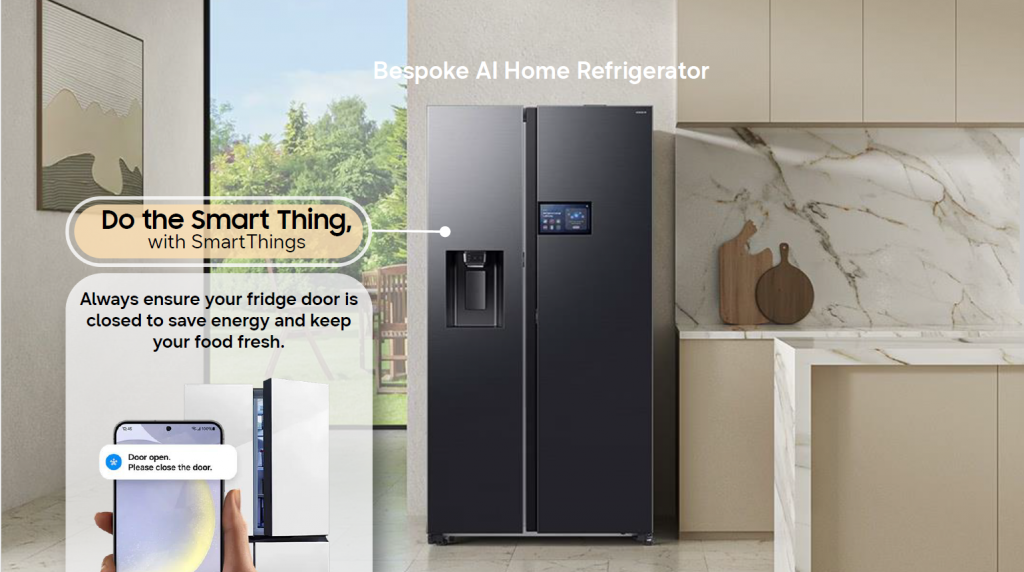
Keep your groceries fresh and save energy with the Bespoke AI Home Refrigerator. Image simulated for illustrative purposes.
We’ve all been there – finding ingredients in the fridge that are no longer fresh when you finally need them. With the Bespoke AI Home Refrigerator and SmartThings, homeowners gain greater visibility and control over one of the major appliances in their home.
Do the Smart Thing with SmartThings: Enable SmartThings notifications such as Door Open Notification[6] to receive alerts whenever the refrigerator door is accidentally left ajar, helping prevent cold-air from escaping unnecessarily and affecting freshness of any food inside.
From keeping ingredients fresh to providing convenient access to recipes and connected devices, your Bespoke AI Refrigerator Family Hub supports everyday life in more intelligent ways:
- Helps keep your food fresh: No matter where your food is stored in the fridge, All-around Cooling technology continually checks the internal temperature and blows out cold air while metal Cooling duct helps maintain a consistent internal temperature to help keep your food fresh.
- Get recipes and other helpful information: The built-in 9″ Bespoke AI Home Refrigerator[7] extends the SmartThings experience by providing access to connected Samsung devices, apps, recipes and home controls directly from your refrigerator door.
How do I stay cool all day without worrying about electricity costs?
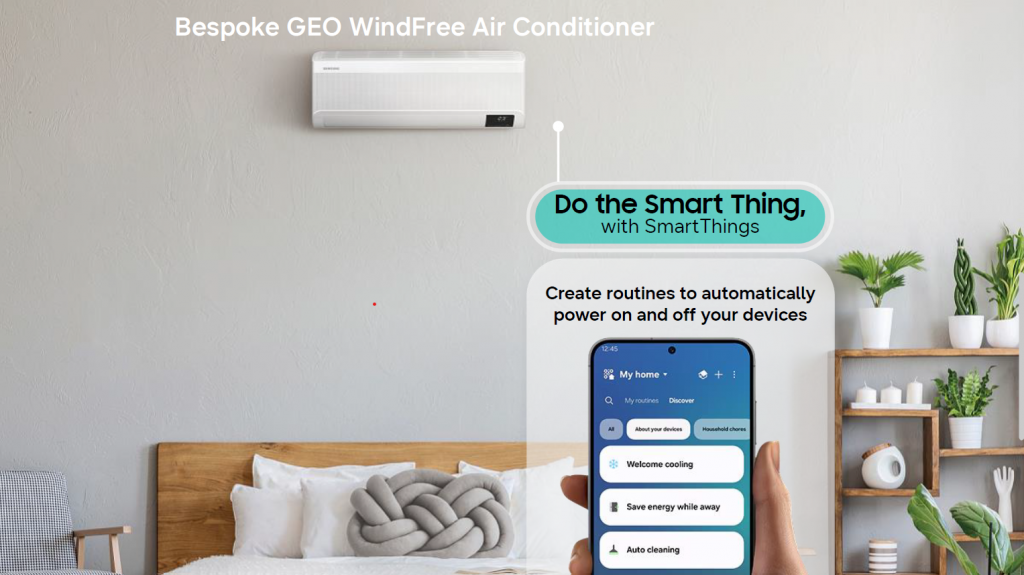
Enjoy all-day, energy-efficient comfort with the Bespoke GEO WindFree Air Conditioner. Image simulated for illustrative purposes. Cords not shown.
When temperatures rise, staying comfortable often means relying more heavily on air conditioning.
Introducing the Samsung Bespoke GEO WindFree Air Conditioner, a split-system air conditioner that gently and evenly disperses air to cool the room, creating a comfortable environment without the unpleasant feeling of cold wind on your skin.[8]
While you are relaxing comfortably, your Bespoke GEO WindFree Air Conditioner keeps high costs at bay:
- AI Energy Mode[9] continually analyses usage patterns and environmental conditions to optimise compressor operation, making efficient adjustments for all-day comfort.
The true value of a smart home is not simply having more smart devices. It is having devices that work together seamlessly. With SmartThings at the center of the experience, your Samsung TV and Bespoke AI appliances become part of a connected ecosystem that helps automate everyday chores and simplify household management.
Whether you’re looking to elevate life at home, or find smarter ways to manage everyday routines, Samsung’s connected devices and appliances work seamlessly behind the scenes to simplify household management, so you can spend less time working on tasks and more time enjoying life at home.
Can I set up a smart home easily with just my TV?
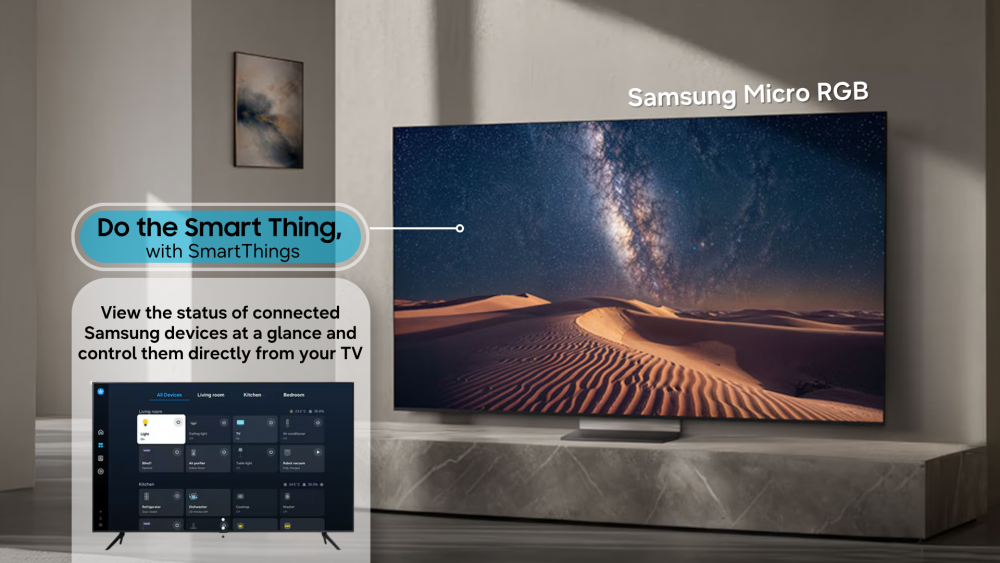
Seamless control of your smart home, from your Samsung TV. Image simulated for illustrative purposes. Cords not shown.
When you think about smart homes, you might imagine additional hubs, sensors and expensive setups. In fact, your smart home journey can begin with a device you already have at home.
Other than the SmartThings app on your compatible mobile phone, many Samsung TVs enable users to control and optimise compatible Samsung devices for a more tailored and smarter lifestyle.[10]
Do the Smart Thing with SmartThings: Open the SmartThings app on your Samsung TV to expand your TV’s role in managing connected Samsung devices throughout your home, directly from the dashboard.
For more information about SmartThings please visit samsung.com/au/smartthings/
[1] Available on Android and iOS devices. A Wi-Fi connection and a Samsung account are required. For a list of compatible connected devices, visit https://www.samsung.com/au/smartthings/.
[2] Available on Android and iOS devices. A Wi-Fi connection and a Samsung account are required. The SmartThings App, a Wi-Fi connection and a Samsung account are required to use AI Energy Mode.
[3] Available on Android and iOS devices. The SmartThings App, a Wi-Fi connection and a Samsung account are required to use AI Energy Mode. Feature may vary by country, region or compatible device and the available saving options may vary by region.Can be applied when the selected washing temperature is 20~40°C. Based on internal testing on the WW11BB944AGB model in normal usage conditions. Results: Power consumption without AI Energy Mode = 0.539 KWh. Power consumption with AI Energy Mode = 0.145 KWh. Results may vary depending on the actual usage conditions.
[4] Tested on Vipac on the WD90H19AHS Samsung Bespoke AI Laundry Combo comparing results with AI Energy Mode turned on (Wash – Avg 1.3782kWh) and off (Wash – Avg 0.44799kWh / Dry – Avg 1.5503kWh). Washer: Tested with 4.6kg dry load on the Cotton cycle at 40°C. Report No: 30W-26-0043 – TRP – 138077-0, dated 2 April 2026. Dryer: Tested with 8.8kg wet load on the Super Speed cycle. Report No: 30W-26-0045 – TRP – 137620-0, dated 1 April 2026. Actual energy saving may vary, depending on variables including the wash and/or dry cycle, type of detergent and laundry materials.
[5] AI Wash & Dry+’s detection and sensing capabilities are based on our deep learning models trained using predefined set of data and may yield inaccurate or incorrect results. New datasets may be introduced to our learning models from time to time to enhance its accuracy.
[6] Available on Android and iOS devices. Wi-Fi connection and login to Samsung account required.
[7] A Wi-Fi connection and a Samsung account are required to access the AI Home, our network-based service, including apps, and other smart features available through your refrigerator. You may need to use a separate device e.g., your laptop/desktop or mobile device, to create/log into a Samsung Account. If you choose not to log-in, you will not be able to enjoy any features available on the AI Home, such as the services available on the SmartThings App and the phone call features. Recipe recommendations and Bixby accessible through the AI Home utilise AI (based on deep learning models, which may be updated periodically to improve accuracy). To access your AI recipe recommendations, click on the ‘Food’ service within the SmartThings App in the AI Home menu. The AI Home screen activates only upon touch. Appliances must be connected to the refrigerator via the SmartThings App and using the same Samsung account. Bixby is Samsung’s brand of Internet of Things (IoT) voice assistant. Its service availability may vary depending on the country, language, and dialect.
[8] Based on internal testing. Tested on the AR12TXCAAWKEU model compared with the Samsung conventional AQ12EASER model, measuring the time taken to reduce the room temperature from 33°C to 25°C. **Based on internal testing. Tested on the AR12TXCAAWKNEU model. WindFree™ mode generates only 23dB of noise, compared to 26dB with the Samsung conventional model.
[9] AI Energy Mode can be activated through Smart Things app while using a Auto mode. A Wi-Fi connection, Smart Things App and Samsung account are required. Smart Things App Stores user data, preferences and usage patterns in Samsung AI Cloud to suggest most useful options.
[10] Available technology, functions and features may vary by country, service provider, network environment or product, and are subject to change without notice. Requires a Wi-Fi, Bluetooth or other wireless network connection and login to Samsung account. Connected devices are sold separately. UI is subject to change without prior notice.
For any issues related to customer service, please go to Samsung.com/au/support for assistance.
For media inquiries, please contact mediateam@samsung.com.


